Escalations
Control when the AI pauses and alerts your team.
Written By ScaleFlows Team
Last updated 3 months ago
💡 Tip: Use this to prevent AI replies in critical or complex situations that require human attention.
Video Guide
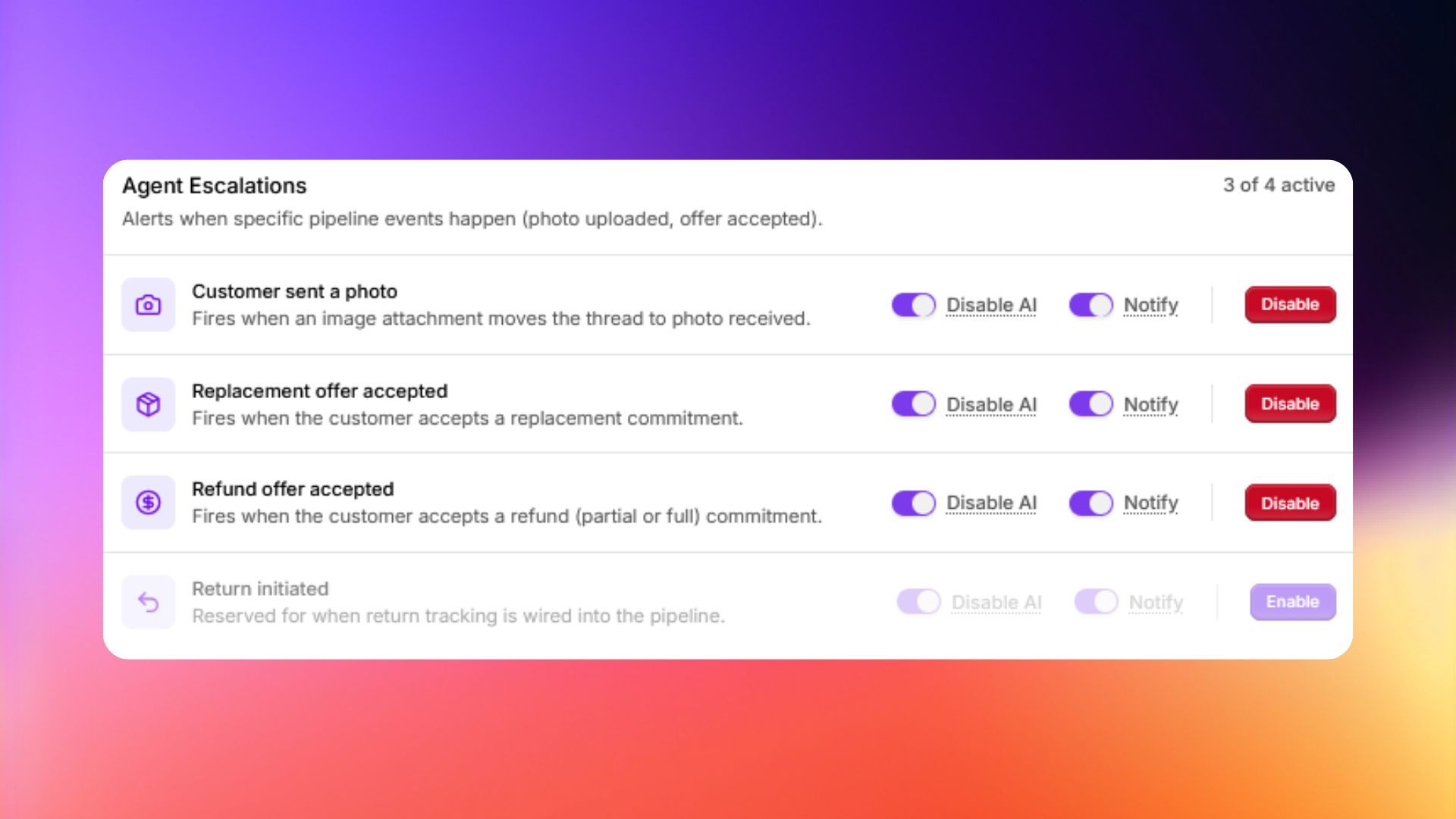
You can configure the AI to automatically pause itself or notify your team based on specific events or customer data.
Agent Escalations
AI Safety Rules
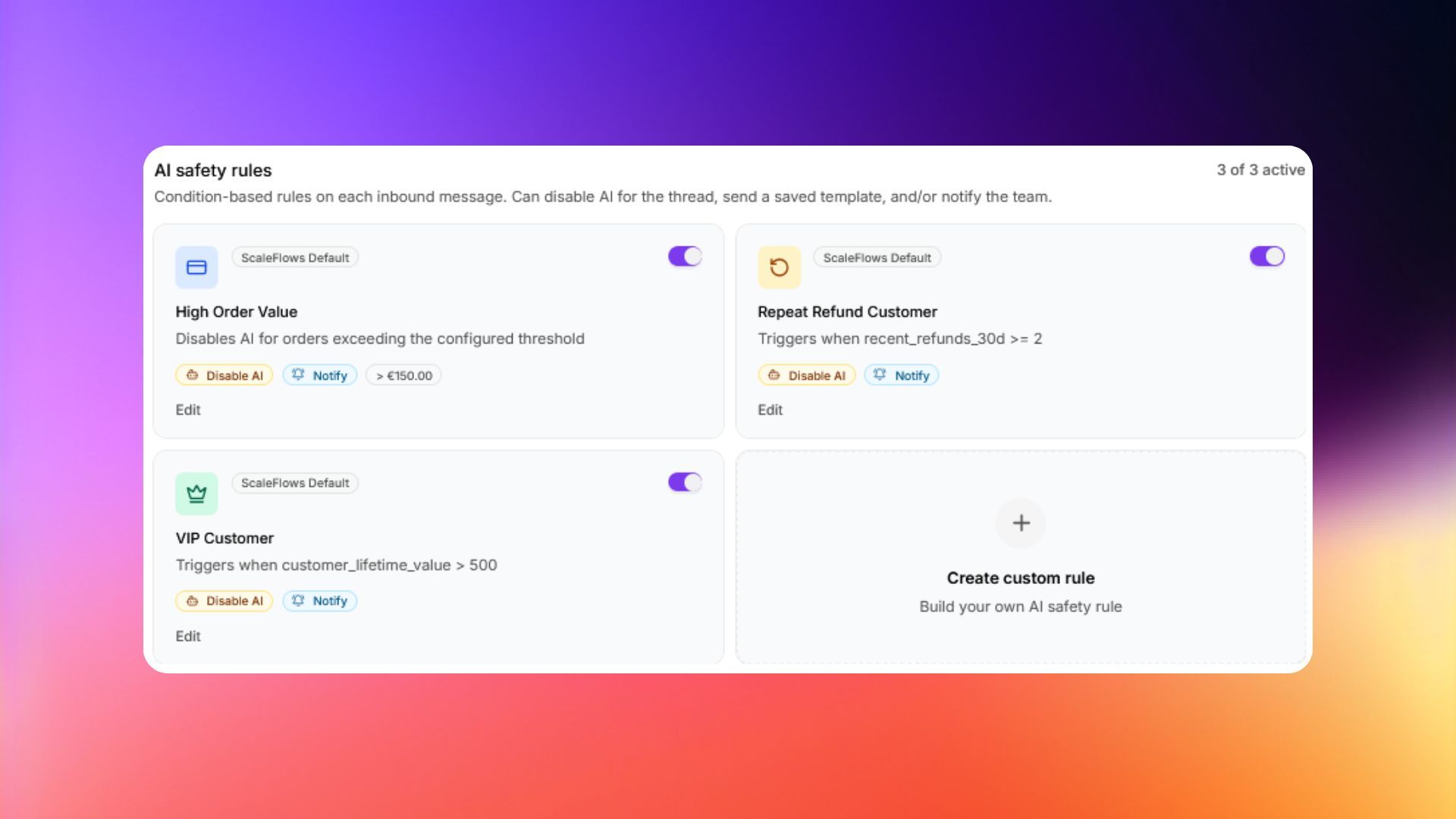
These are strict rules applied to every incoming message using conditions.
💡 Tip: Use this to completely disable the AI or notify a human based on customer data.
Default rules
These rules are available by default and can be enabled or disabled at any time.
💡 Tip: Start with these three default rules enabled, then once you understand how escalations work in practice, add custom rules to handle edge cases specific to your store.
High Order Value Customer
High Order Value Customer
Blocks AI replies for orders over €200 and sends an alert. Use this to protect high-value customers.
Repeat Refund Customer
Repeat Refund Customer
Triggers an alert when a customer has made at least 2 refund requests within the last 30 days. Recommended if you want to review frequent refunds manually.
VIP Customer
VIP Customer
Triggers an alert when a customer with a lifetime value of 500 reaches out to you.
See also: Custom Rules, Setup a custom rule, and Channels.
Was this helpful?
Still need help? Ask the team