Slack
Add a Slack webhook so your team receives ScaleFlows alerts in the channel of your choice.
Written By ScaleFlows Team
Last updated 22 days ago
💡 Tip: Create a dedicated Slack channel for ScaleFlows alerts. For example, #support-alerts. Mixing alerts into a general channel makes them easy to miss.
How to create a Slack Webhook
- Visit Slack API: https://api.slack.com/apps
- Click Create App → choose From scratch.
- Give your app a name (e.g. ScaleFlows Alerts) and select your workspace.
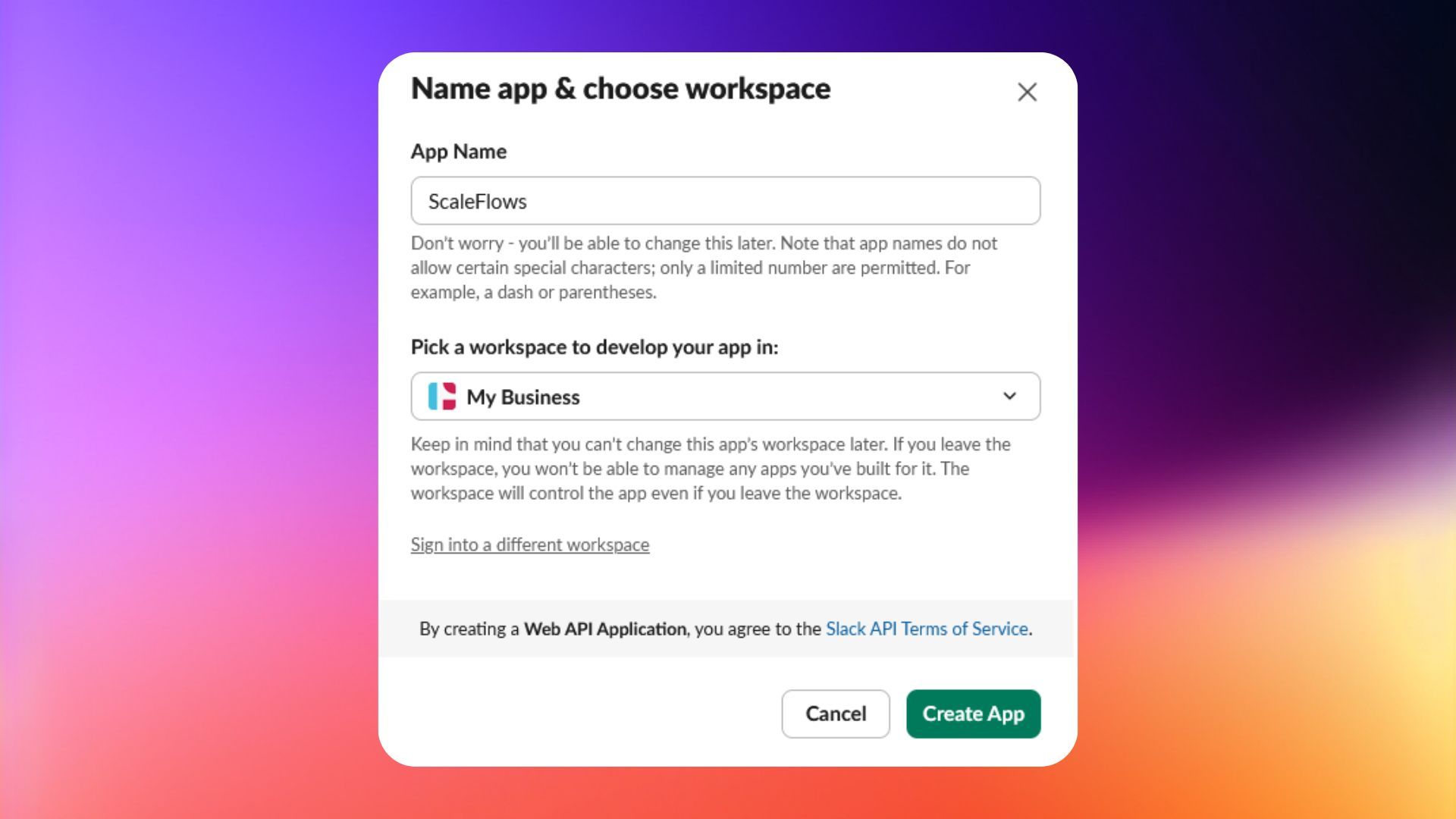
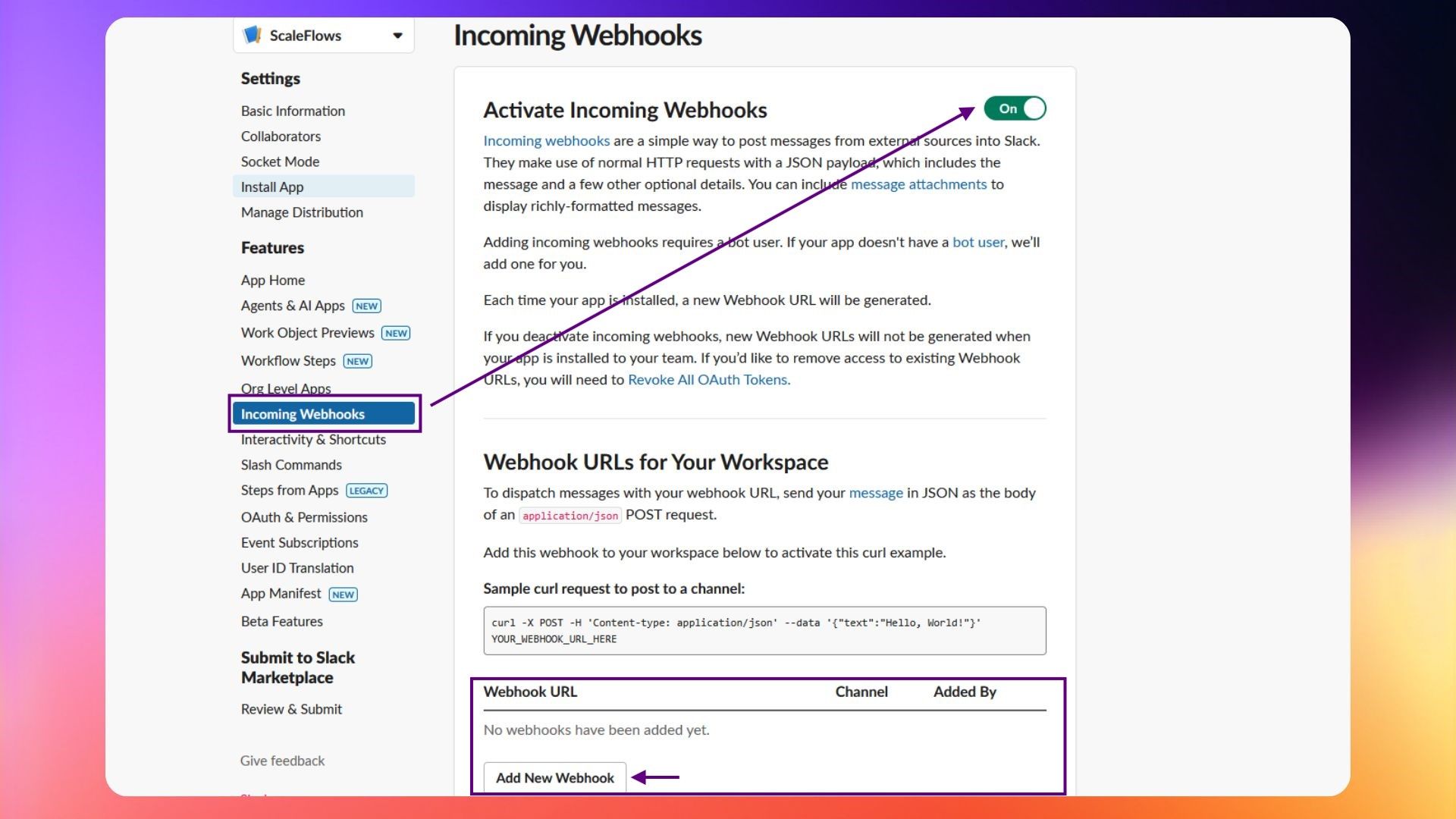
- Under Incoming Webhooks, activate webhooks.
- Click Add New Webhook to Workspace.
- Choose the Slack channel where alerts should appear.
- Copy the generated Webhook URL.
- Go back to Team Alerts in ScaleFlows.
- Paste the copied Webhook URL.
- Save changes.
✅ Slack is connected! Now your team will see ScaleFlows alerts directly in Slack.