Email Forwarding
Forward your support inbox to your dedicated ScaleFlows address.
Written By ScaleFlows Team
Last updated 22 days ago
⚠️ Note: This is a required step to allow ScaleFlows to read incoming messages.
To set up email forwarding:
Step 1. Add your support email and choose how you want it to appear in your customer's inbox.
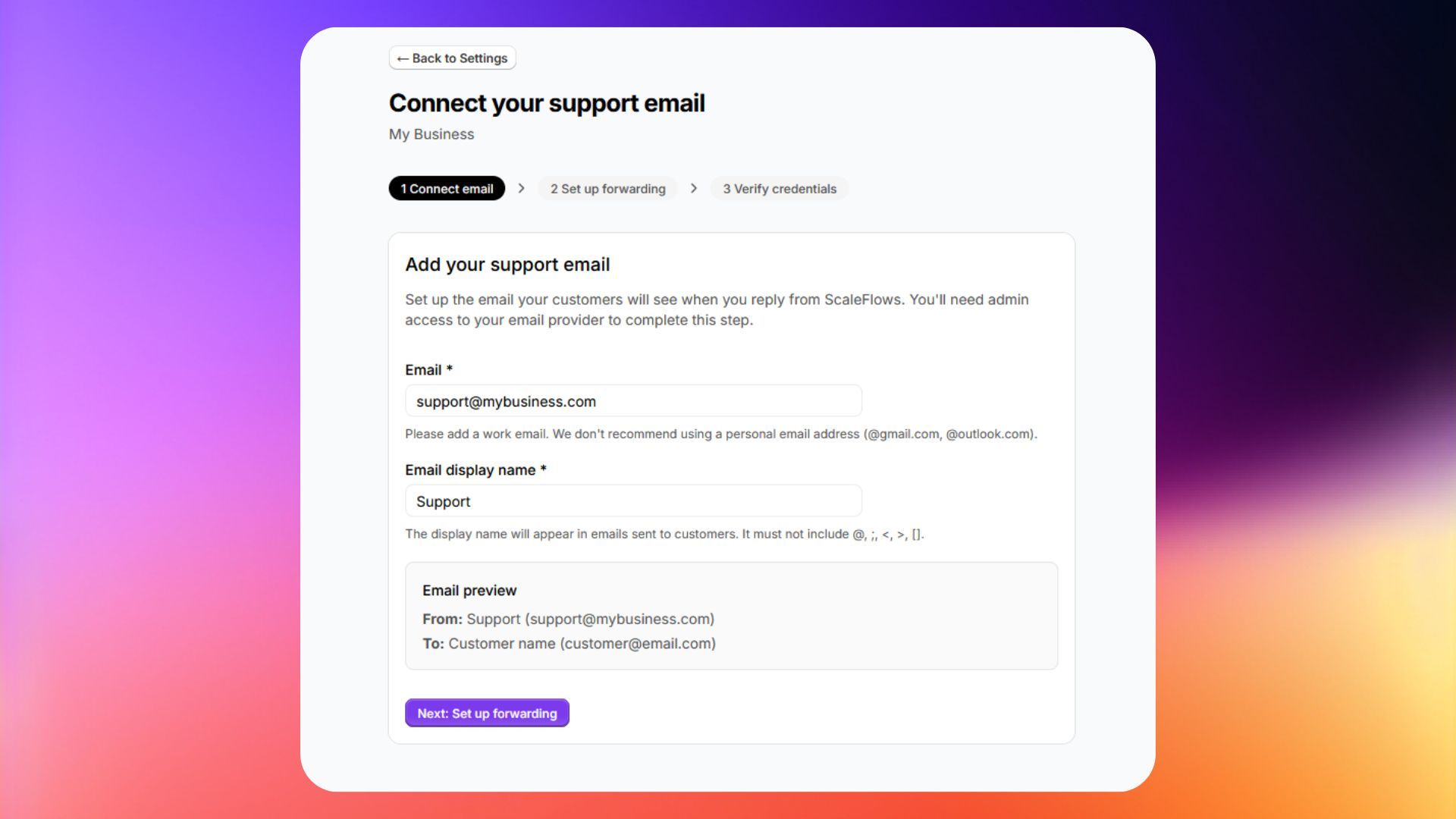
Step 2. Copy the dedicated forwarding email address assigned to you.
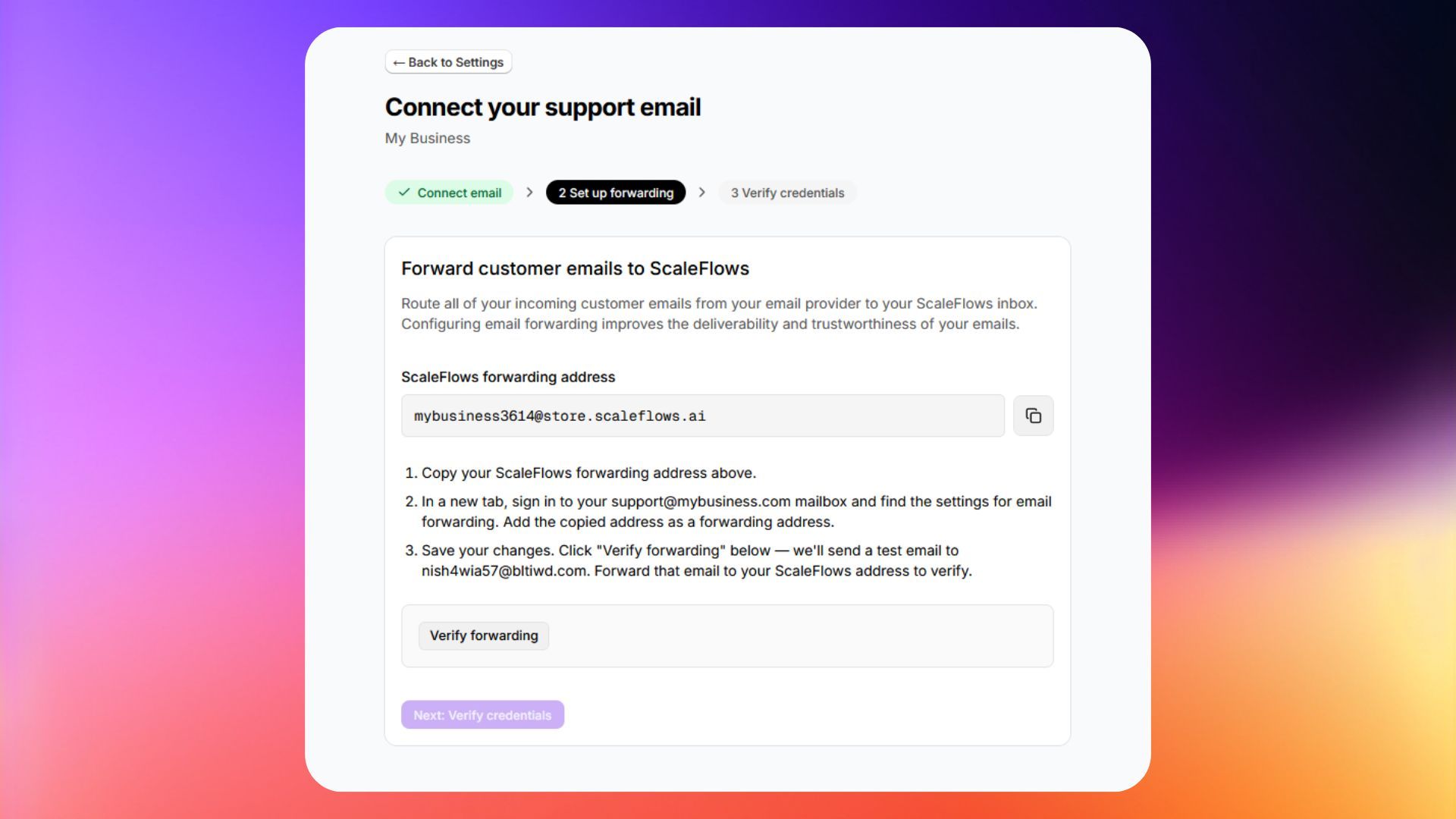
Step 3. Set up forwarding in your email provider using the relevant instructions below.
Step 4. Return to ScaleFlows to continue with the DNS verification.
✅ Done! From now on, all your customer emails will be received by your ScaleFlows inbox.