AI Agent Setup
This is where you control how your AI behaves.
Written By ScaleFlows Team
Last updated 22 days ago
💡 Tip: Enable Require Approval before AI replies during initial setup. Once you are confident in the AI's replies, you can turn this off and let the AI directly respond for your store.
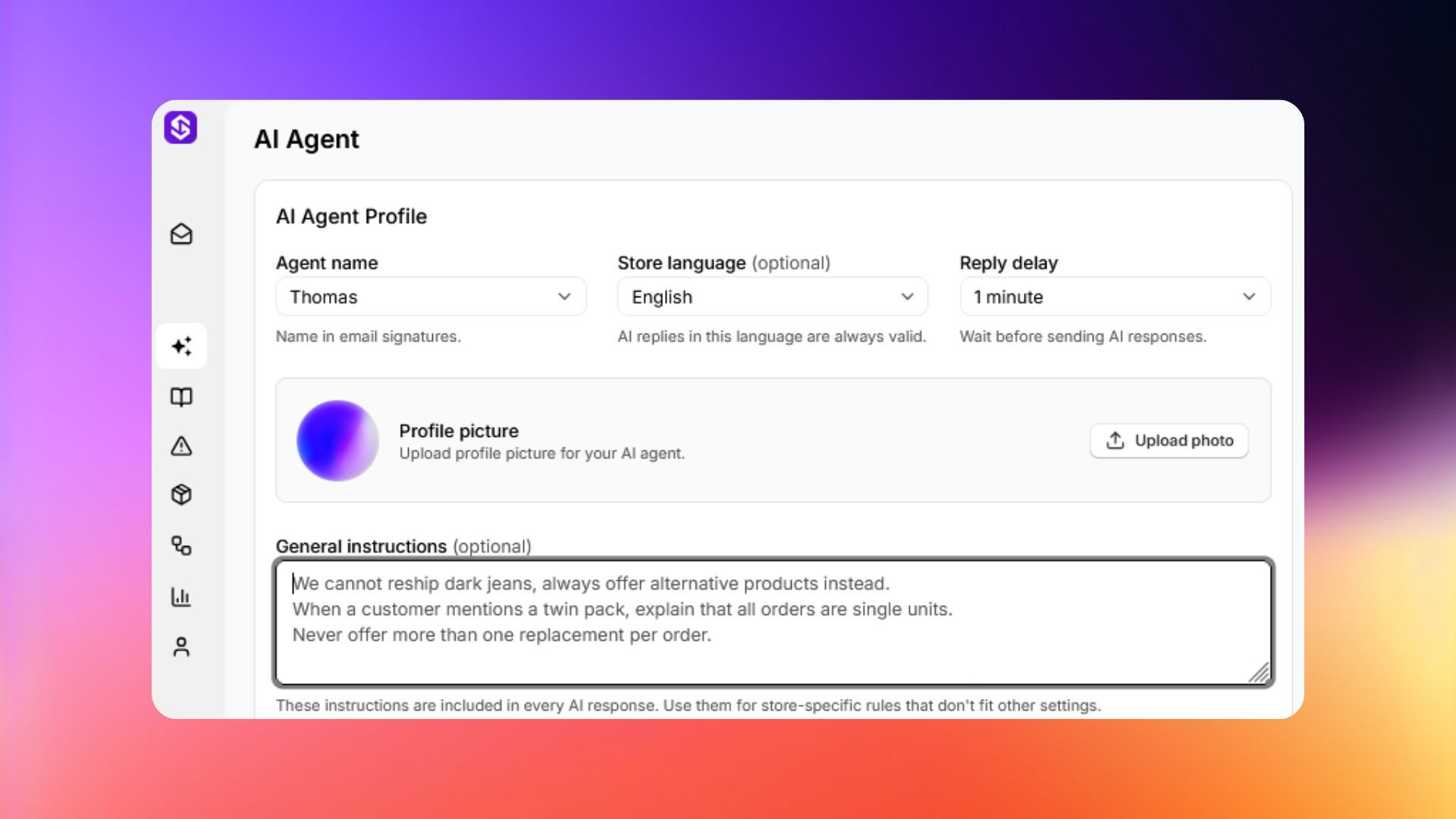
General settings
Shipping Information
💡 Tip: Use this to set your standard shipping times. The AI also uses these to tell customers exactly when to expect their orders and in making decisions.
Winback and Offers
Keep your inbox clean and allow the AI to handle basic customer retention.
Ticket Auto-Close
Set when an inactive ticket is marked as closed.
AI Email Signature
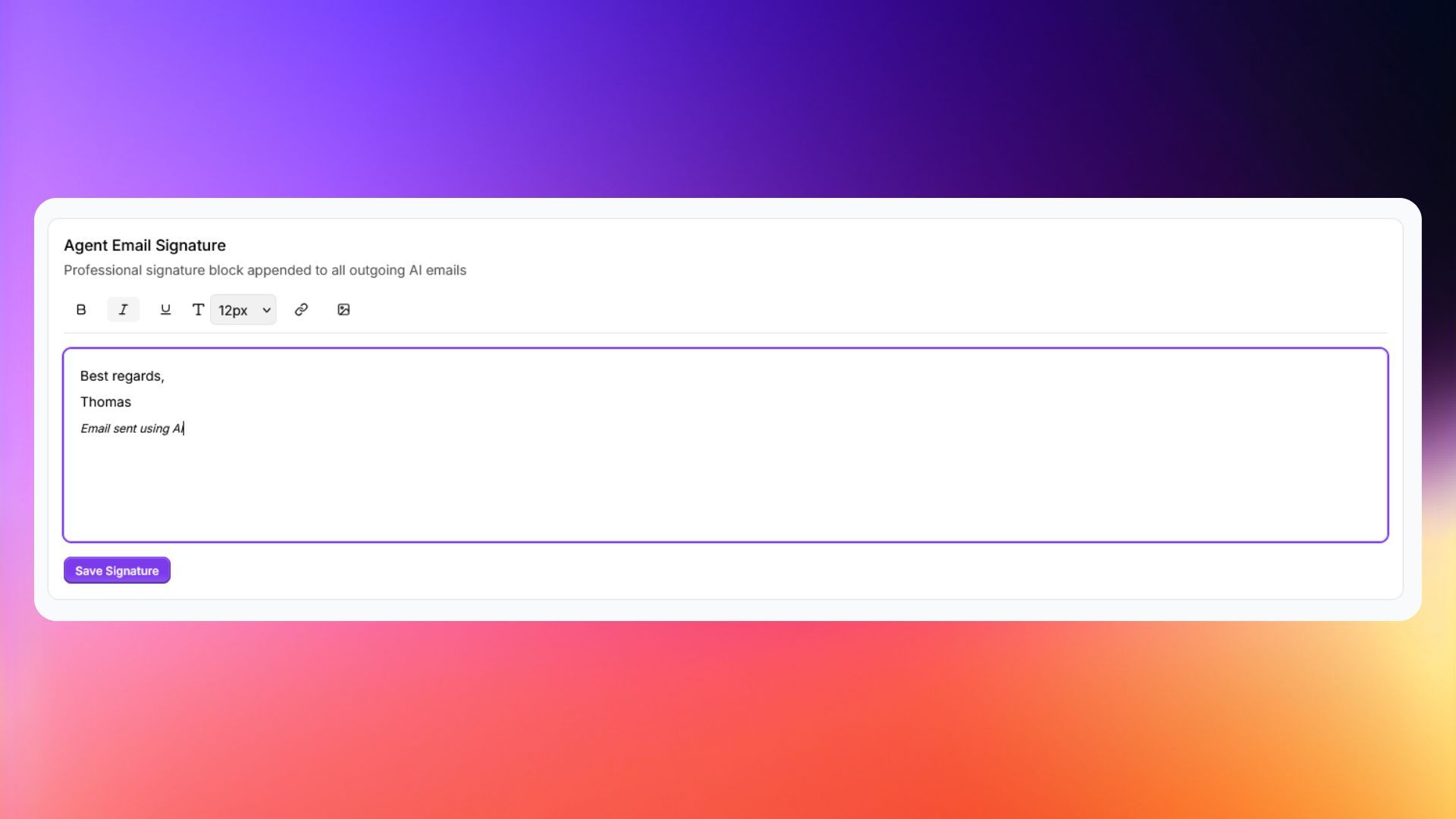
ℹ️ Info: A signature block is added to all outgoing AI emails. You can use basic text formatting, images, and hyperlinks.