Analytics
Track your AI's performance, financial impact, and customer trends from one dashboard.
Written By ScaleFlows Team
Last updated 3 months ago
💡 Tip: Use this to view what is costing or saving you, and where your support time is going.
Step 1. From the sidebar, go to Analytics.
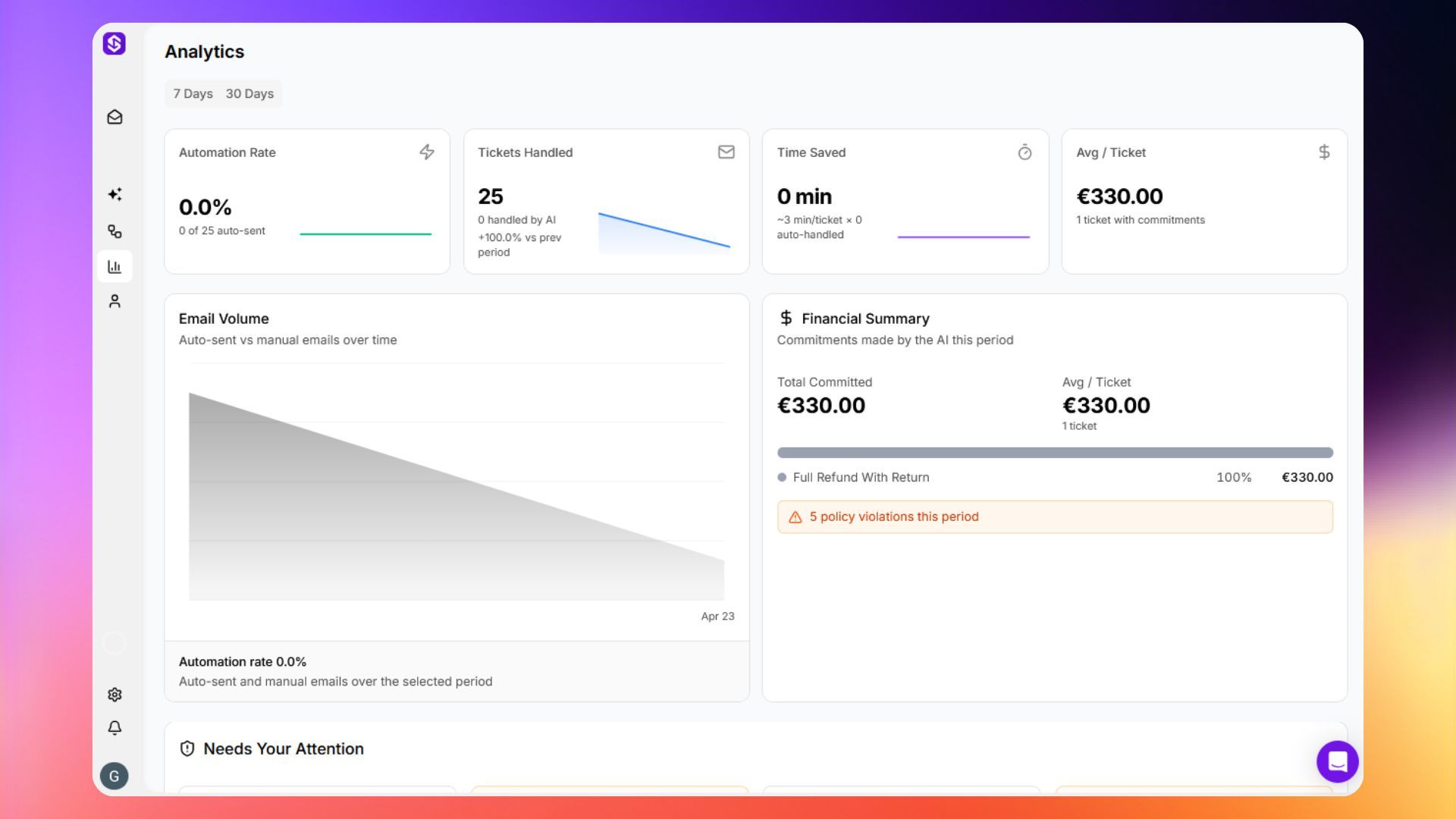
Step 2. Use this data to fine-tune your AI policies and spot trends.
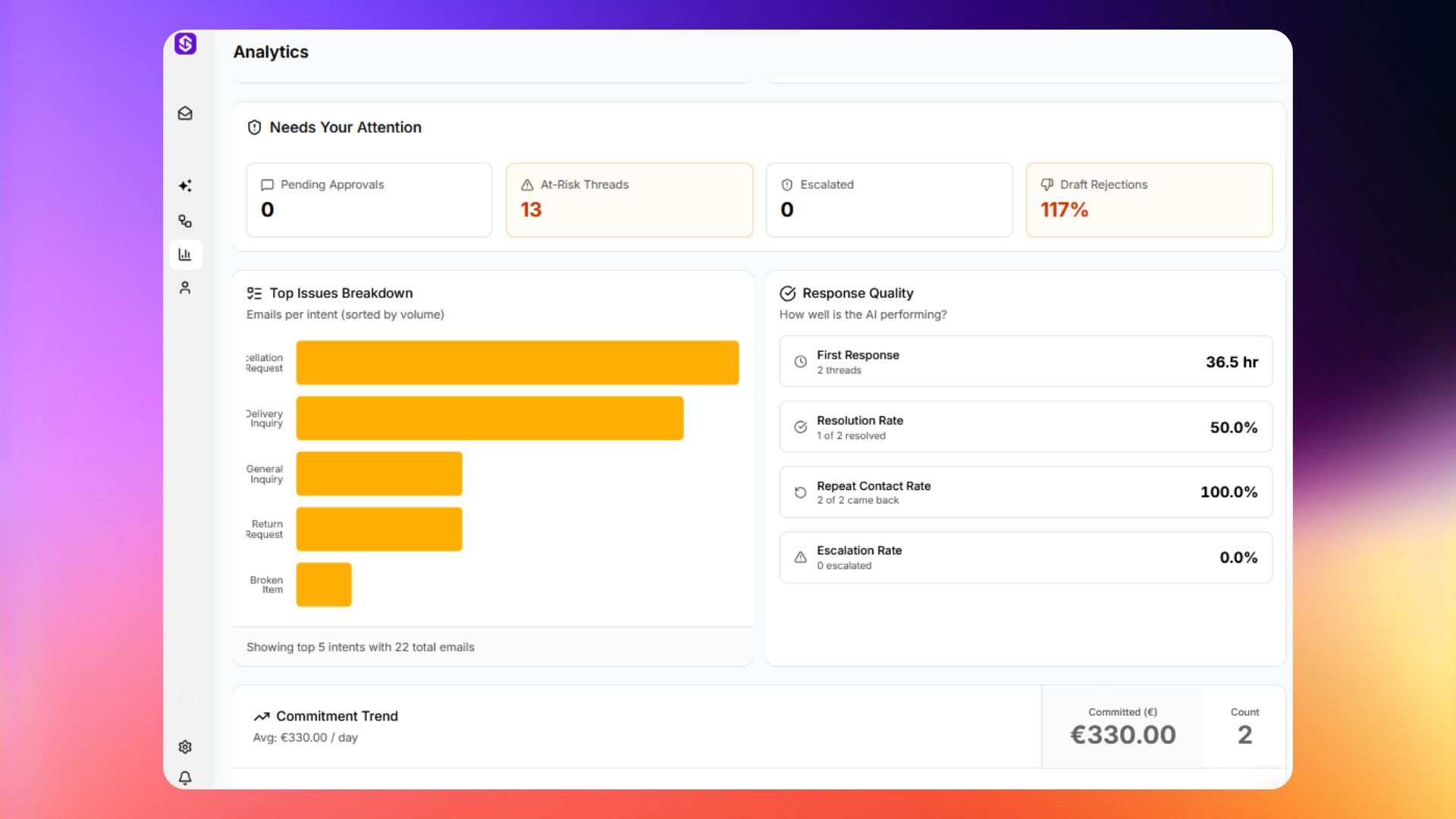
💡 Tip: Check your analytics weekly. A high escalation rate usually means a policy or rule needs adjusting, not that the AI isn't working.
Was this helpful?
Still need help? Ask the team