Connect Your Email
Link your support inbox so ScaleFlows can receive customer emails and reply from your own address.
Written By ScaleFlows Team
Last updated 3 months ago
To start configuring your email connection:
- Go to Settings → Stores → Email connection.
- Choose the method that works for you.
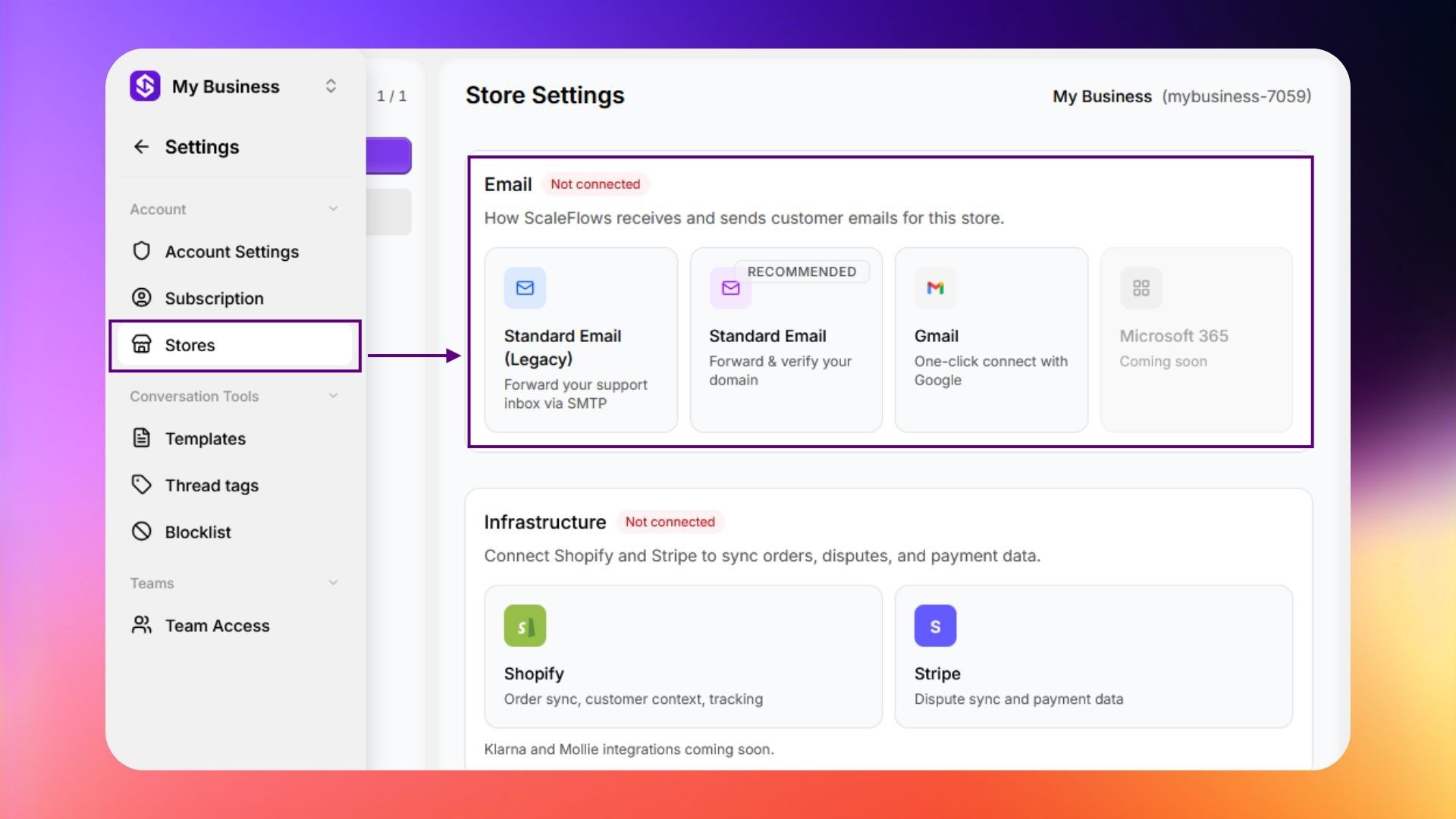
Available methods:
- Standard Email (email forwarding and DNS verification, for custom domains)
- Gmail One-click connect (Google Workspace and regular Gmail accounts)
✅ Success: ScaleFlows can now manage your inbox and customer service interactions.
Was this helpful?
Still need help? Ask the team