Blocklist
Add email addresses or domains to the blocklist to stop unwanted senders from reaching your inbox.
Written By ScaleFlows Team
Last updated 3 months ago
🚨 Note: Emails from blocked senders and domains will be kept out of your inbox automatically.
To manage your blocklist:
Step 1. Go to Settings → Blocklist.
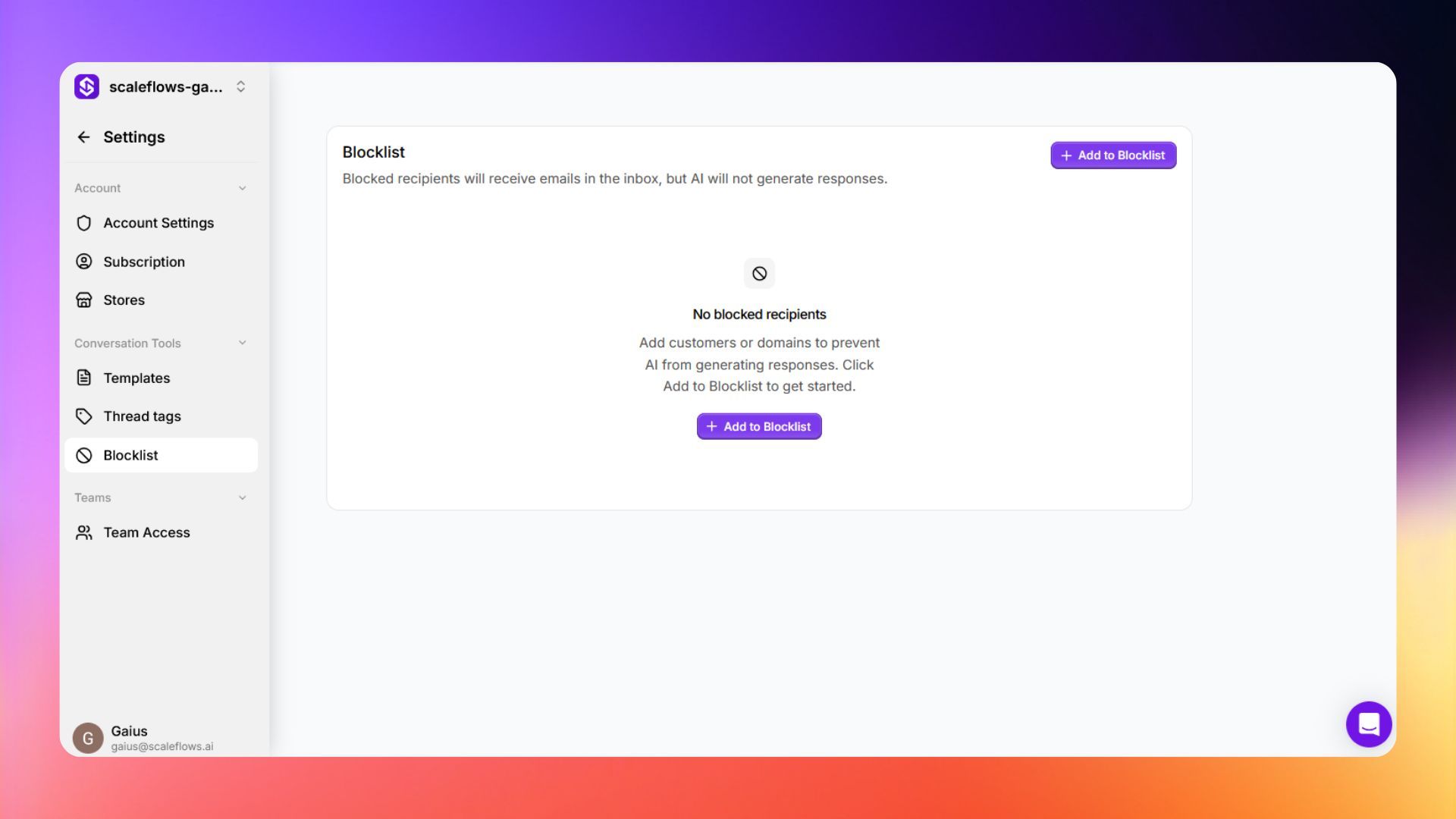
Step 2. To block unwanted senders, click Add to Blocklist.
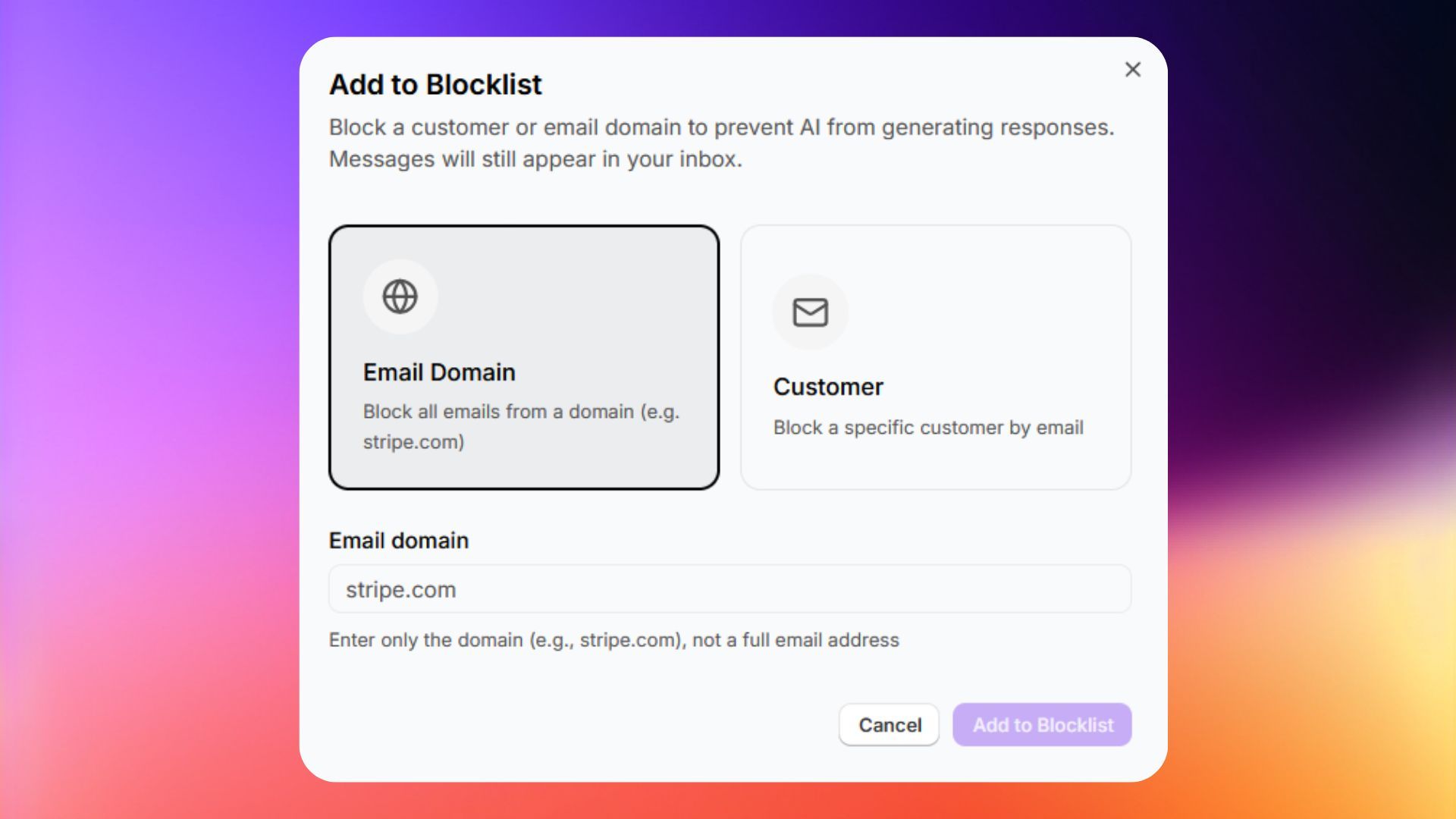
Step 3. Enter an email address (e.g., spammer@example.com) or a domain (e.g., @spamdomain.com).
💡 Tip: Blocking a domain stops every email from that domain. Use this for repeat spammers instead of adding single emails one by one.
Step 4. Then click Add to Blocklist.
Was this helpful?
Still need help? Ask the team