Contacts
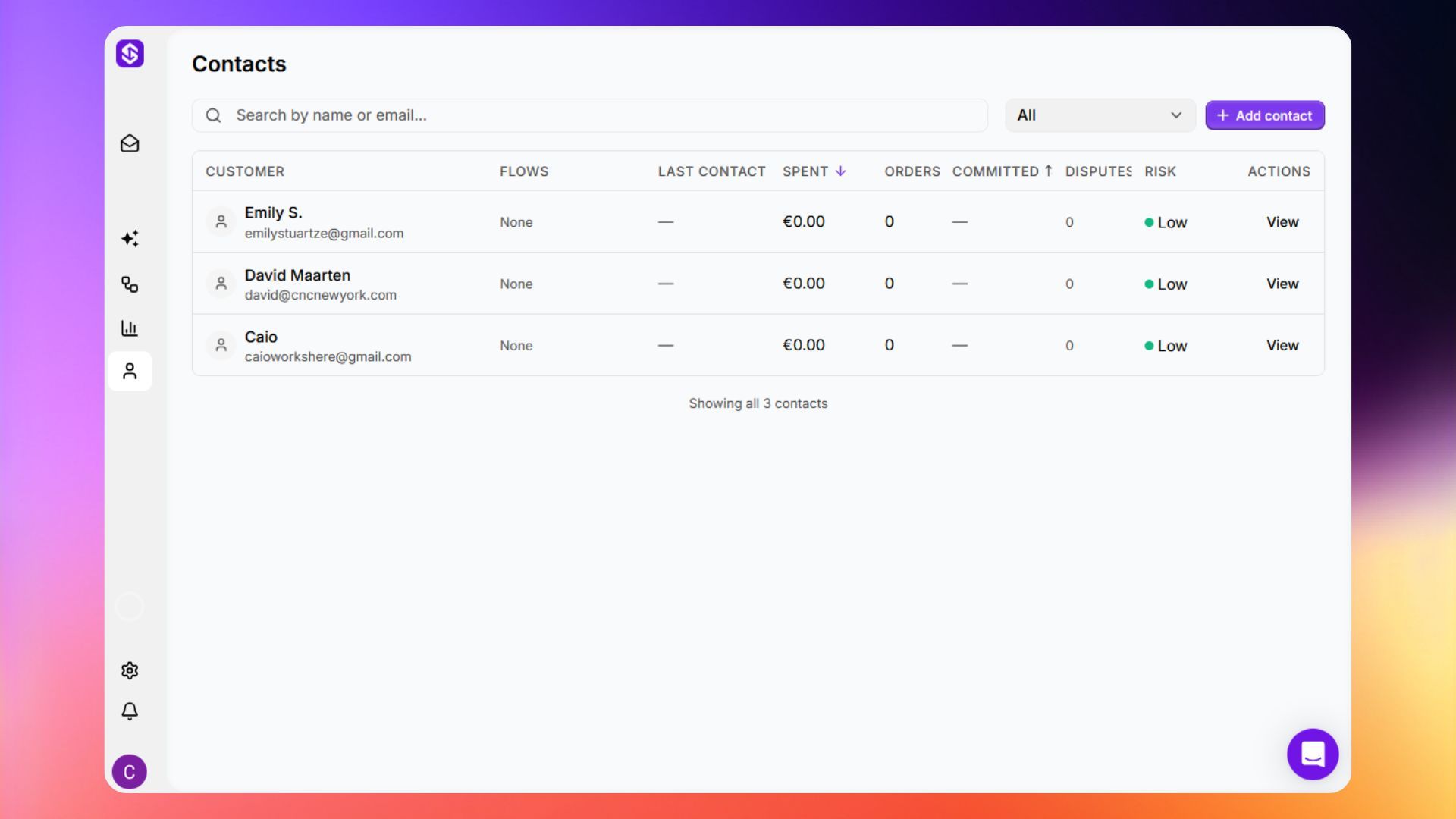
Browse and manage your full customer directory, automatically built from every conversation ScaleFlows handles.
Written By ScaleFlows Team
Last updated 3 months ago
Step 1. Go to Contacts in the left sidebar.
Step 2. Your customer directory is automatically populated from conversations.
💡 Tip: Use the at-risk and dispute filters regularly. These surface customers that may need direct outreach and prioritized attention.
Was this helpful?
Still need help? Ask the team